


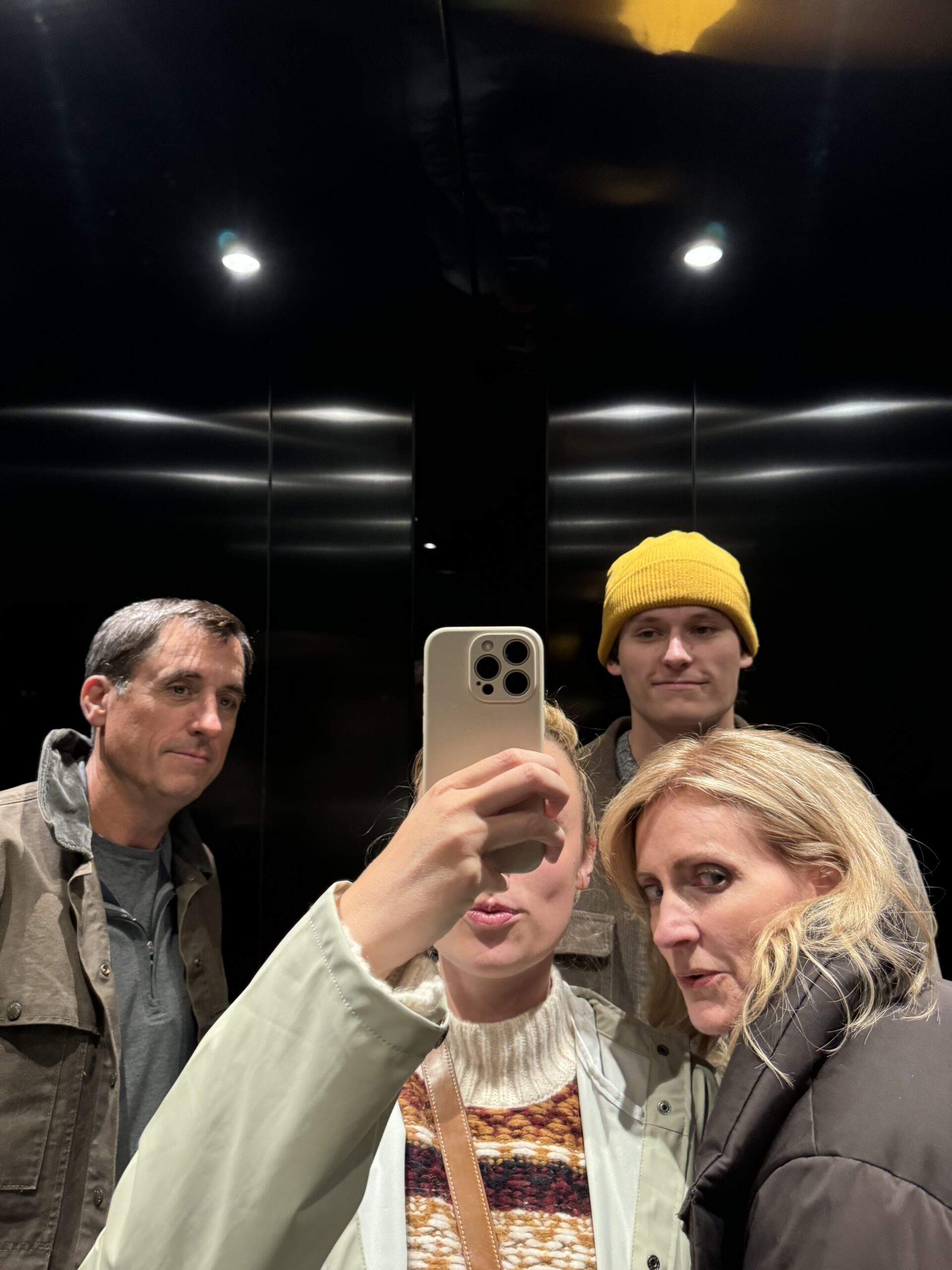


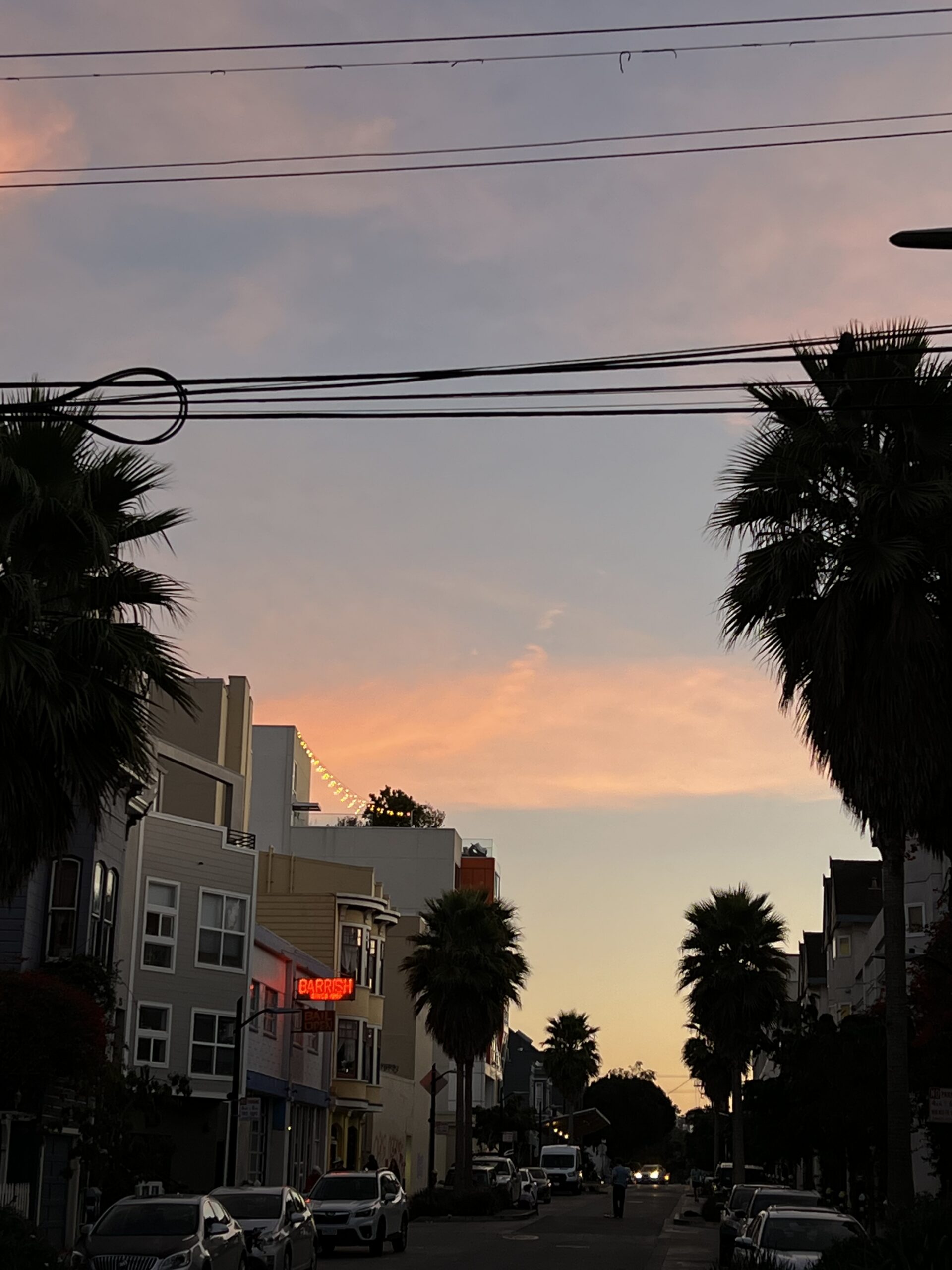


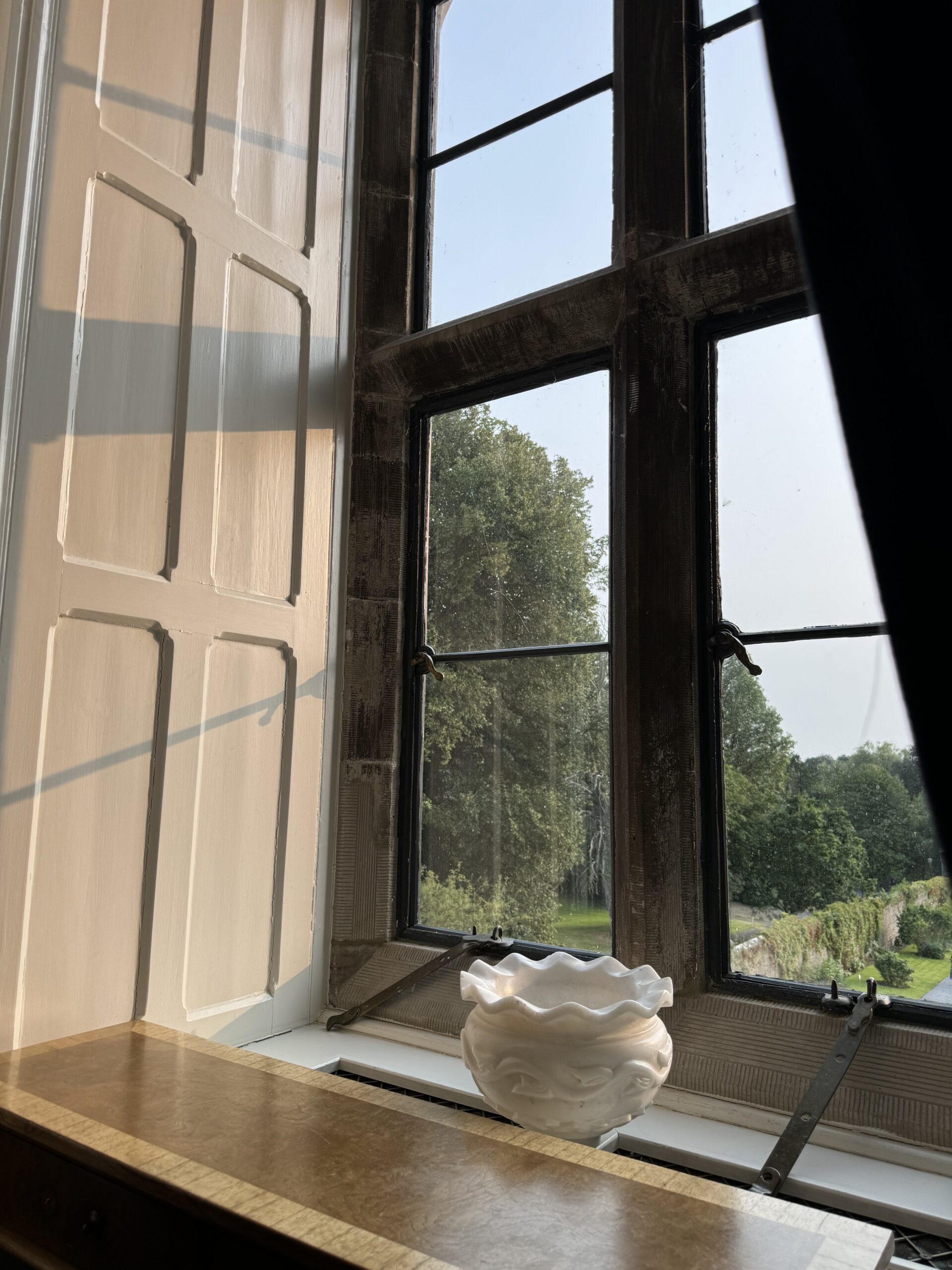


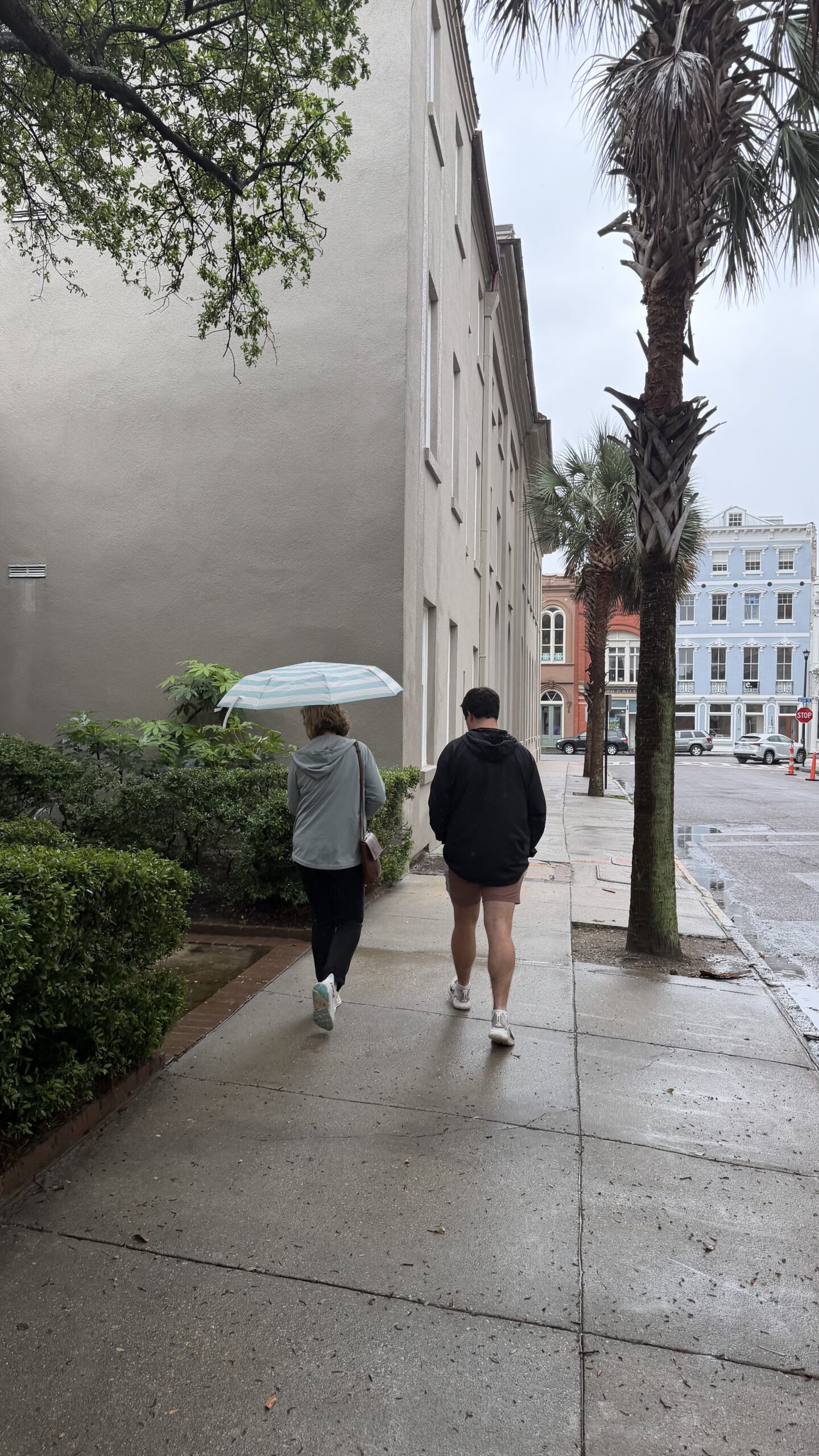
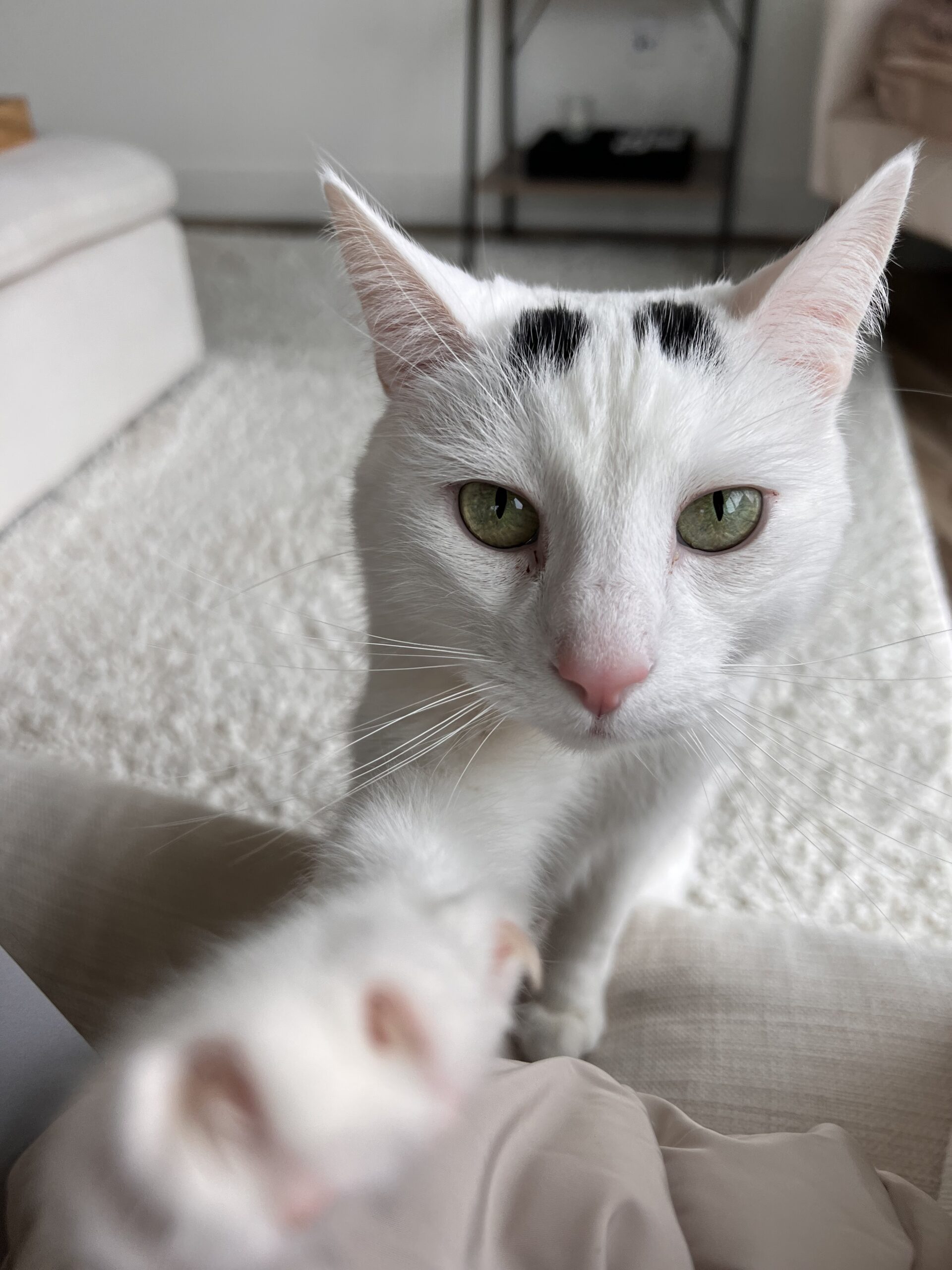





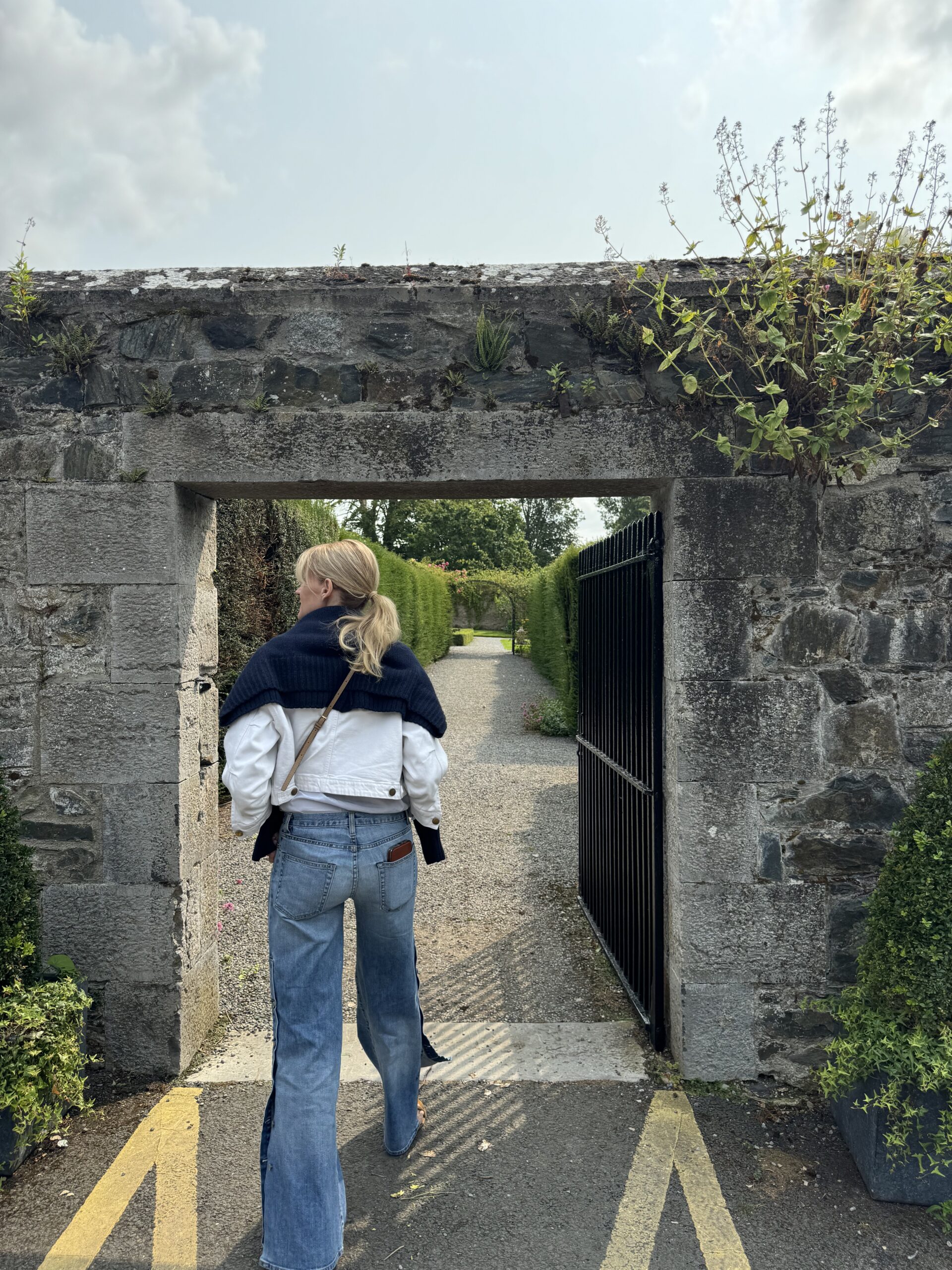


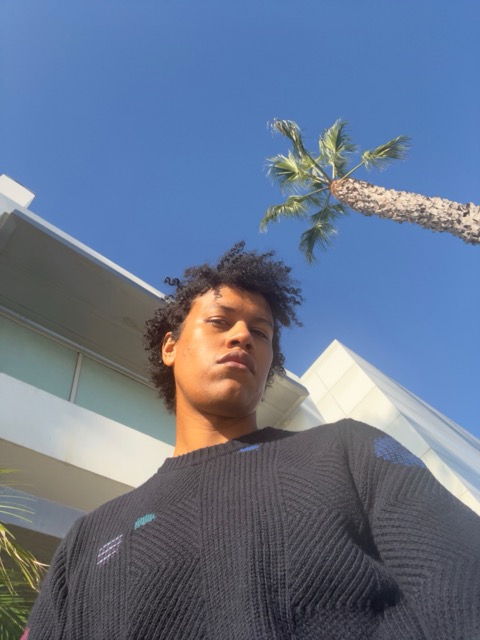

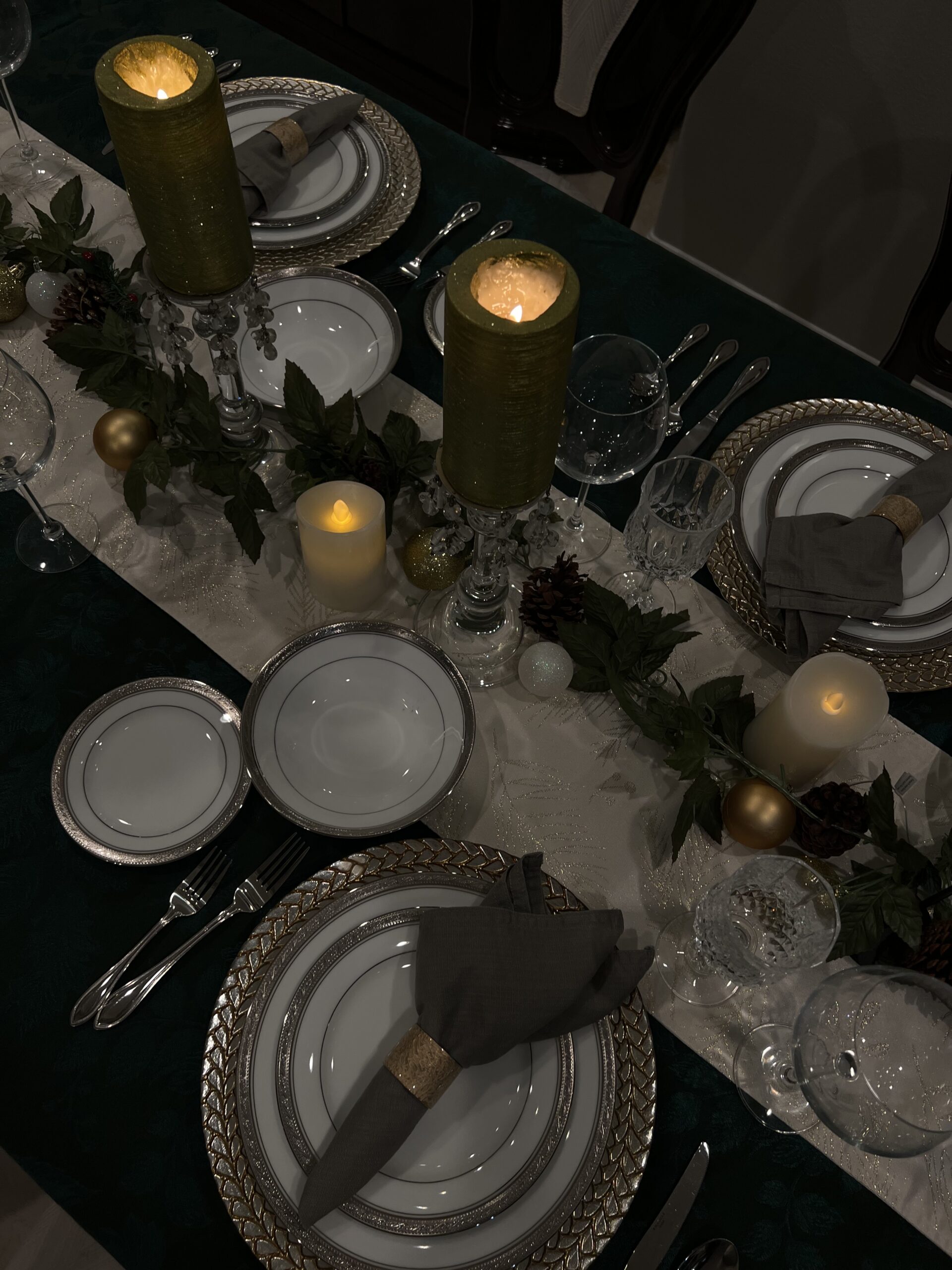

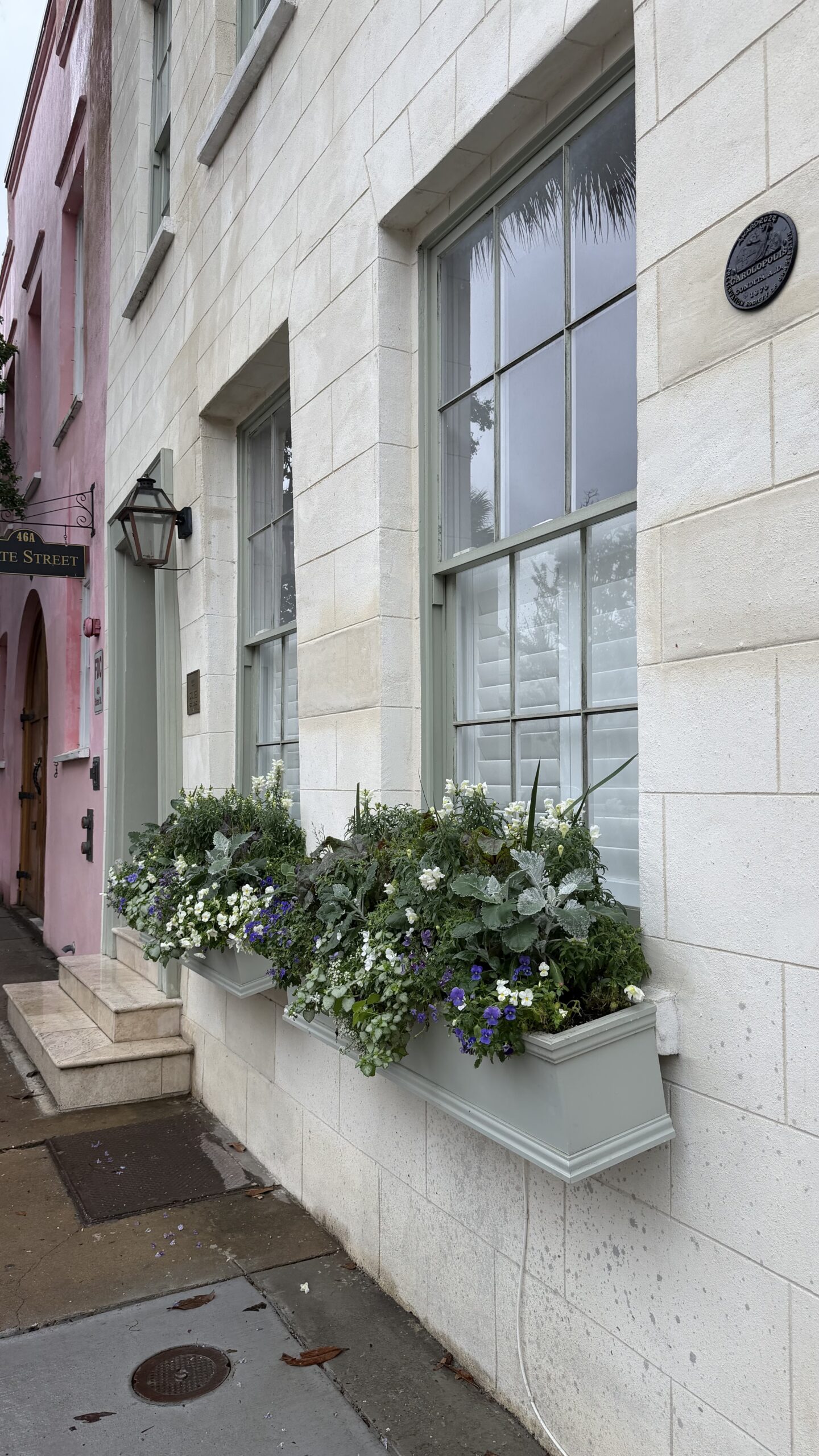
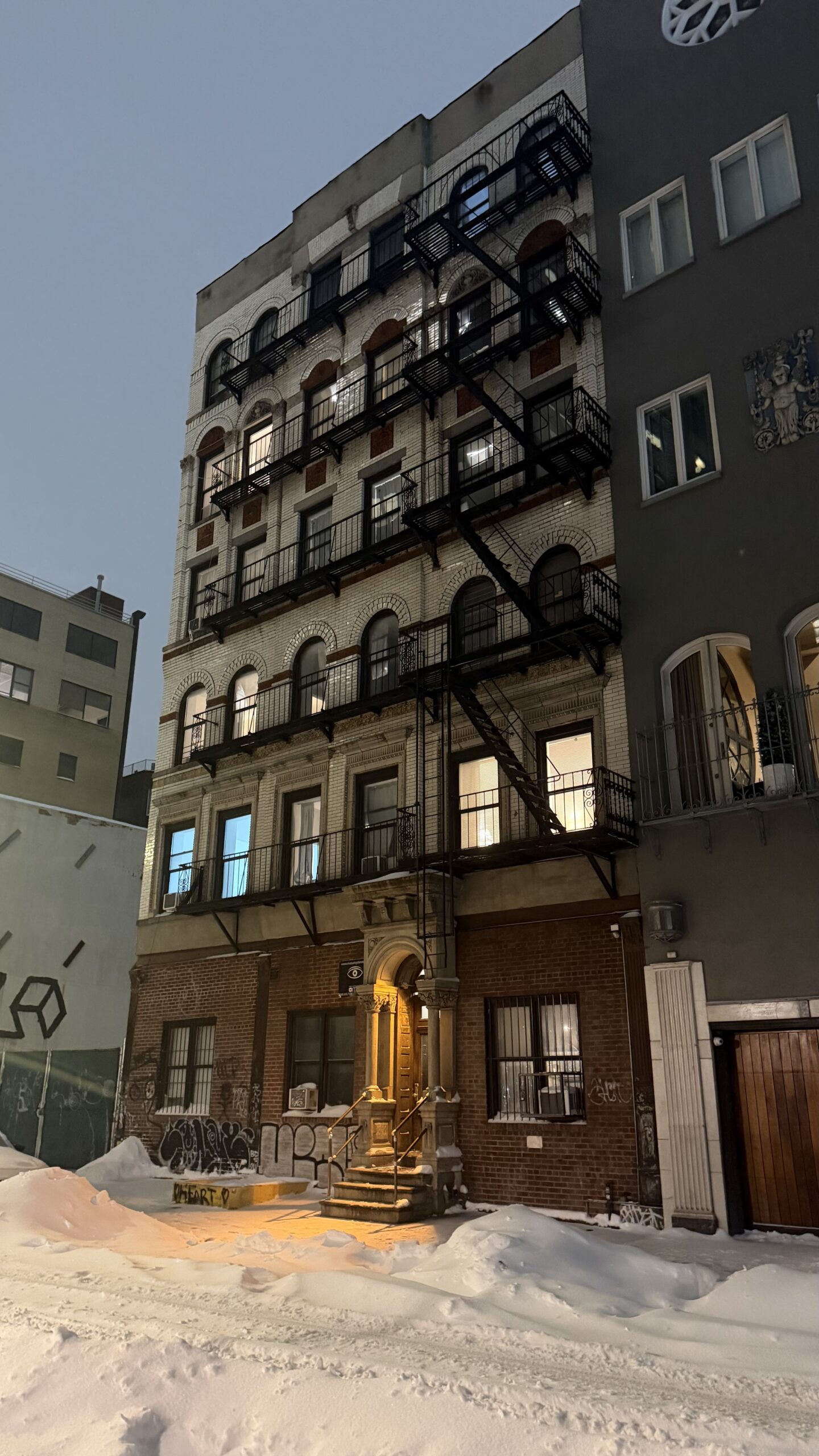



real pics. real content.
Pictures and videos straight from smartphones.
Authentic. Real. A stock library that isn't stock.
Create content in minutes instead of hours.


why cliqpic?
-
Smartphone images and video
Our vast library offers relevant assets for your immediate download.
Take a sneak peek -
Comprehensive licensing
Commercial-use content for all your content creation needs.
Find which license is right for you -
Flexible pricing
Affordable and accessible.
View Plans -
Safe-to-use assets
Real photos and videos taken by real people. We do not accept branded, edited, inappropriate, or AI-generated content.
Sign up
how it works
creators
Love taking photos and videos with your smartphone?
Creators upload assets from their smartphone for purchase and download, earning money for every asset purchased.
become a creatorcustomers
Do you or your business need authentic and relatable visuals for content?
Customers choose a monthly or annual subscription to purchase and license assets for immediate download.
become a customerlicensing
simple pricing. simple licensing.
CliqPic content is available for use in advertising, marketing, apps, websites, social media, TV and film, presentations, newspapers, magazines and books, product packaging, and so much more.
We offer commercial and enterprise licenses. Find out which is right for you:
An image can be purchased outright to use on product that is sold or given away with an enterprise license. Contact us to learn more.
Any logo, brand, or trademark, Pornographic, obscene or libelous works, Non-editorial use of editorial files, Porn or adult content, Tobacco ads, Politics or endorsements, Implying a person has a medical condition or is receiving treatment, Anything illegal or immoral, Pretending to be someone else or to create a fake identity, Lies, harmful content, or anything illegal, Editorial only: editing the asset in anyway that changes what's happening in the image or video, Resale, sharing, or giving the content to others (ie. Making a gallery people can download from), violating someone's brand, trademark, or business rights, claiming you created the content or someone else did if they did not, showing minors in any sexual, unsafe, or illegal way, invading someone's privacy, exploiting someone's identity or likeness without their permission, breaking laws (privacy, harassment, etc.), using images/video of celebrities to promote something without their permission, training ai models, selling, sharing, or using for your own AI model commercially without special agreement
cliqpic has subscription
options to meet your needs.
month-to-month
Pay monthly and cancel anytime
Credits per month
subscribe to month-to-monthpreview our library
FAQ
Unique, unedited photos and videos taken straight from your smartphone. AI-generated, branded, filtered, professionally shot, inappropriate or illegal content is not accepted.
We offer videos up to 15 seconds long for immediate download. Audio is removed from all videos before they are made available for purchase.
CliqPic content is available for use in advertising, marketing, apps, websites, social media, TV and film, presentations, newspapers, magazines and books, product packaging, and so much more. Check our Terms of Service to ensure your license covers content usage for your unique needs.
Read through our checklist for content usage restrictions and prohibited use.
The business in which you operate under has the right to use content you downloaded from CliqPic. If you are an independent contractor, you may use CliqPic content for clients, so long as you have the correct license. Find out which license is right for you.
Nope! We allow all our creators to maintain anonymity to protect their privacy. In the case of editorial content usage, you must credit CliqPic and the Creator's profile handle. Read more on editorial content restrictions in our Terms of Service.
Choose between a Commercial or Enterprise license, then select a monthly or annual plan that fits your needs (from 10 to 750 credits). Use your credits to download content, and if you need more, you can upgrade your plan at any time. Find the right plan for you.
Commercial licenses cover most content usage needs for businesses and individuals with under $10M in annual revenue. Enterprise licenses offer expanded usage rights and are required for those exceeding $10M in annual revenue, as well as public and government institutions. Find the right license for you.
Credits are simple. Each image or video is assigned a credit value, and that amount is deducted from your balance when you download it.
Any content you download can be used indefinitely under the terms of your license, even if your subscription ends. See usage rights.
Yes, your unused credits rollover up to 50% of your monthly credit total. If you have a subscription for 10 credits a month and you use 5, you will have 5 credits roll over to the next month, making your total number of usable credits 15. If you need more credits, upgrade your plan today.
Yes. If you'd like to cancel your monthly plan, your credits will expire after the end of the billing cycle in which you cancel. If cancelling your annual plan, your credits will expire at the end of the 12-month period from which you started your plan. To update your account, click here.
After canceling a monthly plan, you can use any remaining credits until the end of your billing period. For annual plans, credits remain available through the end of your 12-month term.
Yes, contact us at hello@cliqpic.com for information on outright purchase of assets.
Yes! We encourage you to be both a creator and a customer, you'll just need to sign up for separate accounts.
Once uploaded, you agree to the use and download of all assets on your profile. Assets purchased prior to removal can be used indefinitely by the purchaser. Once an asset is taken down, customers may not purchase and download for use.
No, and we encourage you to create a profile name that protects your anonymity and privacy.
Maximize your chances of selling by adding detailed, accurate tags and uploading well-lit and visually appealing content. We're always looking for diverse and authentic assets which increase your opportunity for sale. Get alerts for what's trending and selling fast.
Our content approval process ensures customers find the most authentic and useful assets. Assets are rejected if they don't meet our guidelines. Some common mistakes when uploading include:
- Brands and logos hiding within images or video
- AI-generated and/or edited content
- Inappropriate visuals
- Taken by DSLR or Mirrorless camera
- Submitting screenshots of images
You will be paid out monthly for all assets sold through Stripe.
Yes, as long as you have obtained the permissions, approvals, and releases from models and/or location(s). Read our Terms of Service to understand what you are legally liable for when uploading content.
Yes! We encourage you to be both a creator and a customer, you'll just need to sign up for separate accounts.
You can upload 50 assets at a time, up to 250 assets per week. Photos and Videos can be uploaded within the same batch.
My upload failed with "Upload was interrupted before it finished." What does that mean?
It means the connection between your device and our storage was cut off partway through the transfer. This is almost always something between you and the internet rather than a problem with your file or your account. Nothing was saved from the failed attempt, so just add the file again and retry. If it keeps happening, work through the next two questions.
Uploads keep failing for me, but they work for other people. What should I check?
When uploads fail repeatedly on one device while working everywhere else, something local is interfering. Check these in order:
- Try the upload in a private or incognito window. If it works there, a browser extension is the likely cause.
- If you use a wifi extender or mesh pod, unplug it and try again from your main router's signal. Faulty extenders are a surprisingly common cause of uploads that cut out partway through, and the problem does not show up in speed tests or normal browsing.
- Check for a VPN or security software running on your device and try with it off.
- As a quick test, try uploading over your phone's hotspot. If that works, the issue is in your wifi setup. If it still fails, the issue is on the device.
Why did my photo or video fail to upload with an error about it being 0 bytes?
This happens when a photo or video is stored in the cloud but hasn't been downloaded to your device yet. Many photo and storage apps (iCloud, Google Photos, OneDrive, Dropbox, etc.) save space by keeping only a small preview on your device and downloading the full file only when you open it. CliqPic can only upload the actual file, not the preview, so when this happens, you'll see a message asking you to download the original to your device before re-uploading.
Here's how to fix it, depending on your device:
- On iPhone or iPad
- Open the Photos app and find the photo or video that failed to upload (look for a small cloud icon with a down arrow in the corner which means it's not downloaded yet).
- Tap to open it full-screen and wait a few seconds. This tells your phone to download the full file from iCloud. The cloud icon will disappear once it's finished.
- Once it's downloaded, go back to CliqPic and try uploading it again.
- Tip: If you're uploading a large batch and don't want to open each photo one by one, you can turn off "Optimize iPhone Storage" so future photos download and stay in full resolution automatically: Settings → [your name] → iCloud → Photos → turn off Optimize iPhone Storage (choose "Download and Keep Originals" instead).
- On Mac
- Open the Photos app and find the photo or video (it will show a small cloud icon if it hasn't been downloaded).
- Select it, then go to File → Export → Export [number] Photos… (or right-click and choose the download/export option). This forces the original to download to your Mac.
- If the file lives in an iCloud Drive folder instead of Photos, just double-click it in Finder which triggers the download. Wait for the cloud icon to clear before uploading.
- Once downloaded, return to CliqPic and re-upload.
- On Windows (using the iCloud for Windows app)
- Open the iCloud Photos app, or find the file in File Explorer under your iCloud Photos folder. It will show a small cloud icon if it hasn't downloaded yet.
- Double-click the photo or video to open it, or right-click and choose the download option. This pulls the full file from iCloud to your PC.
- Wait for the cloud icon to clear, then upload it to CliqPic.
- Tip: In the iCloud for Windows app settings, you can turn off "Optimize storage" so photos and videos download and stay on your PC in full resolution automatically.
- On Android, or if you use Google Photos, OneDrive, Dropbox, or a similar app
This same issue can happen with any cloud photo or storage app that has a "free up space," "optimize storage," or "files on demand" feature, not just iCloud.
- Open the photo or video directly in the app where it's stored (Google Photos, OneDrive, etc.).
- Give it a few seconds to fully load. Most apps show a small cloud or download icon that disappears once the full file is on your device.
- Once it's downloaded, upload it to CliqPic as usual.
- Tip: If this happens often, check that app's settings for an option like "Free up device storage" or "Files On-Demand" and consider turning it off for photos you plan to upload to CliqPic.
My uploads worked, but the videos just keep spinning on "Processing." Is something wrong?
No. Once a file shows as uploaded, it is safely on our servers, and the spinning just means we are still working on it. Videos take a few minutes to process because we generate previews and run every upload through content review. You do not need to stay on that screen: it is safe to close the window or keep browsing, and finished assets will appear in My Assets on their own.
My assets say "Pending" in My Assets. Did something fail?
No, Pending is a good sign. It means your file uploaded and processed successfully and is now waiting for a routine review before it goes live in the marketplace. No action is needed from you.
I re-uploaded a file and got a message that it was already uploaded. Why?
The platform blocks duplicates. If a file with the same name and size is already in your library, uploading it again is stopped so you do not end up with two copies. If you actually meant to replace it, delete the existing one from your library first, then upload the new version.
What happens if I close my laptop or leave the page in the middle of an upload?
Files that were still transferring are stopped and marked as failed, and you can simply add them again later. Files that had already finished uploading are safe and will keep processing in the background. If you are uploading large videos on a slow connection, keep the screen open and your device awake until the upload bar completes.
Do large videos upload differently?
Yes. Larger files are sent in small chunks, so if your connection hiccups, only the interrupted chunk is retried instead of starting the whole file over. You do not need to do anything; it just makes uploads on ordinary home wifi much more reliable. As a reminder, photos can be up to 200 MB and videos up to 500 MB, and videos longer than 15 seconds are trimmed automatically.
If you have further questions, contact us at hello@cliqpic.com